
Assigning Gameplay Cue
Gameplay Cue is a visual or audio effect that could be linked with a Gameplay Effect.
You can learn more about Gameplay Cue here.
- Let's create a burn effect when the character got an effect from GE_Burn.
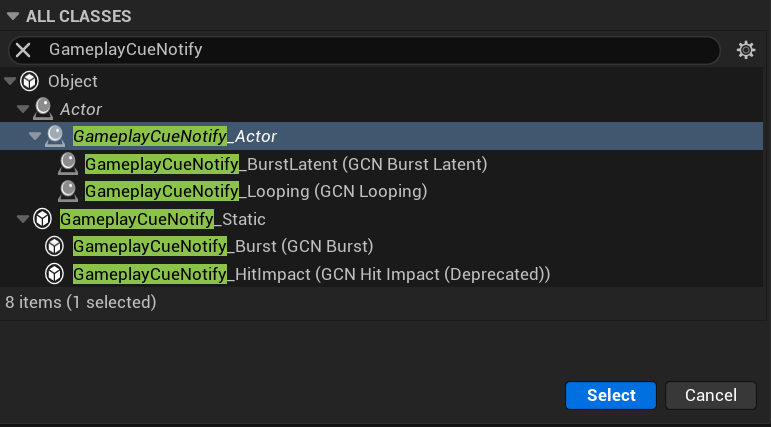
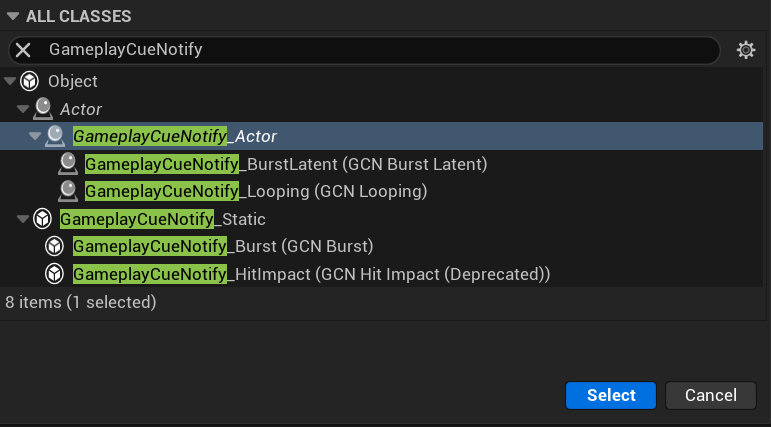
- Create Blueprint Class derived from GameplayCueNotify_Actor, you could find the difference between Static and Actor from documentation link above. And let's name it GC_Burn.
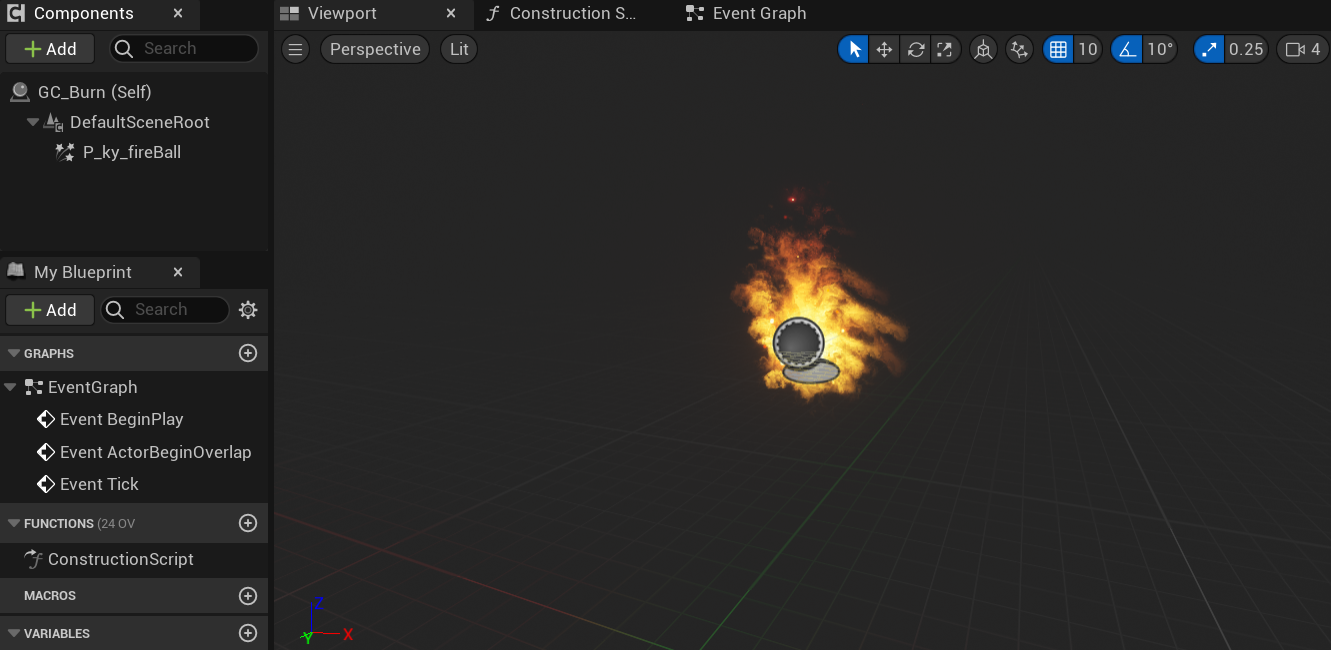
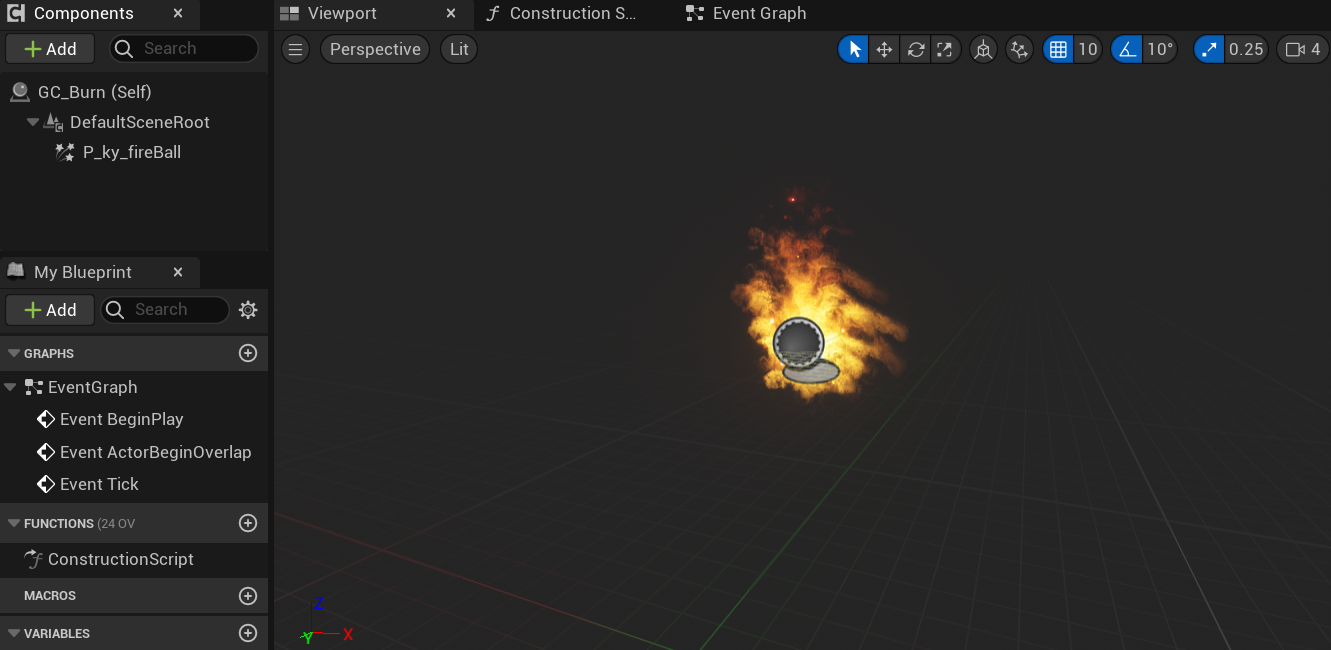
- I've added a particle effect on the GC_Burn as the visual that I want, you can add what you want too.
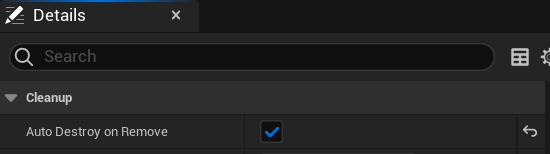
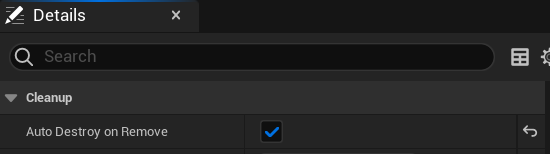
- Then, let's move to Class Defaults and check Auto Destroy on Remove.
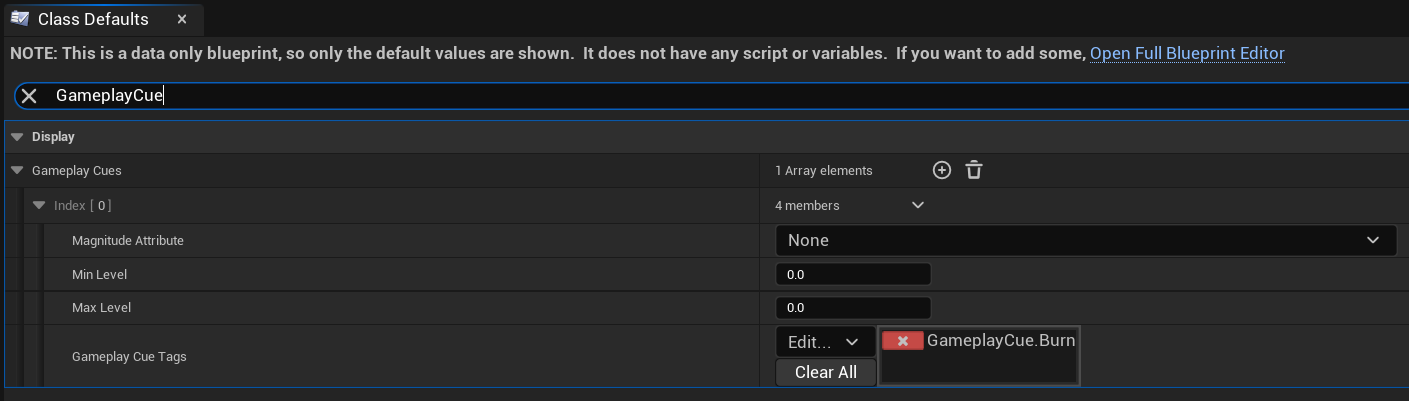
- Don't forget to also add Gameplay Cue Tag there, you must add the tag with prefix GameplayCue. otherwise it won't work. In this case, I add GameplayCue.Burn. And check Auto Attach to Owner because I want that particle effect is following the character.
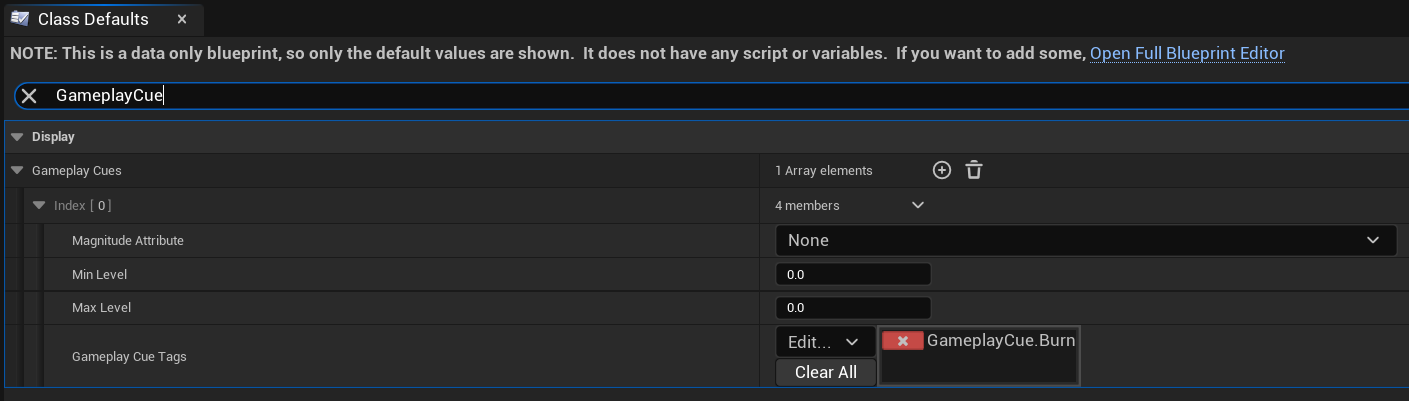
- Let's back to GE_Burn, search GameplayCue, and add GameplayCue.Burn tag there.
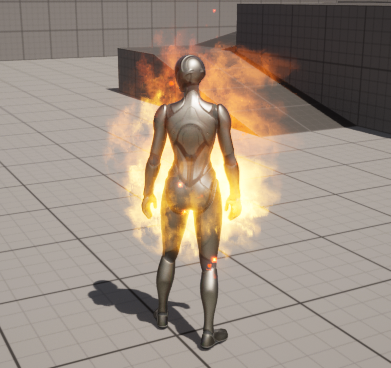
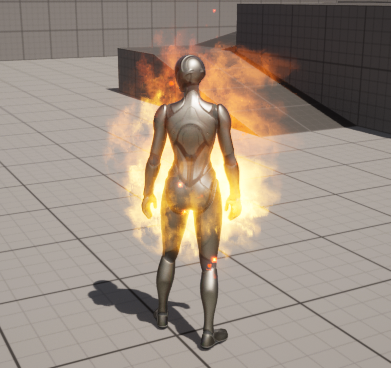
- Let's just play then, you'll see the particle effect while the burn applied.
No Comments